Asset Connect educates new customers with Usetiful onboarding experiences


Asset Connect is an online platform for energy asset monitoring and management. Customers can connect their electricity generating assets, such as wind, solar or hydroelectric power plants, without having to buy additional hardware. Asset Connect presents energy production reports in a powerful dashboard, and Usetiful onboarding tours are used to guide new users to connect their assets, create and view reports and more.

The Product tours are organized into a User Onboarding Checklist.
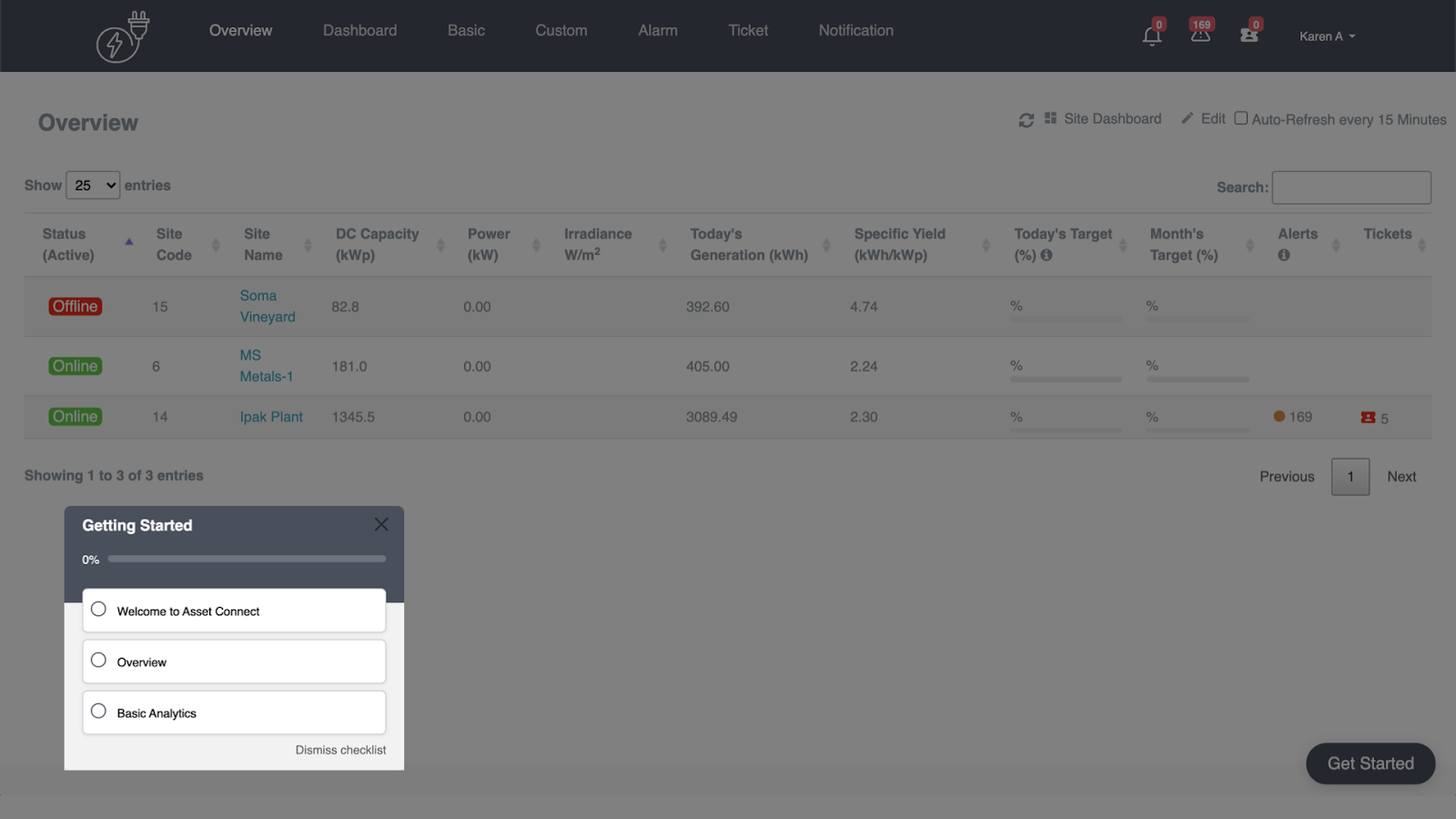
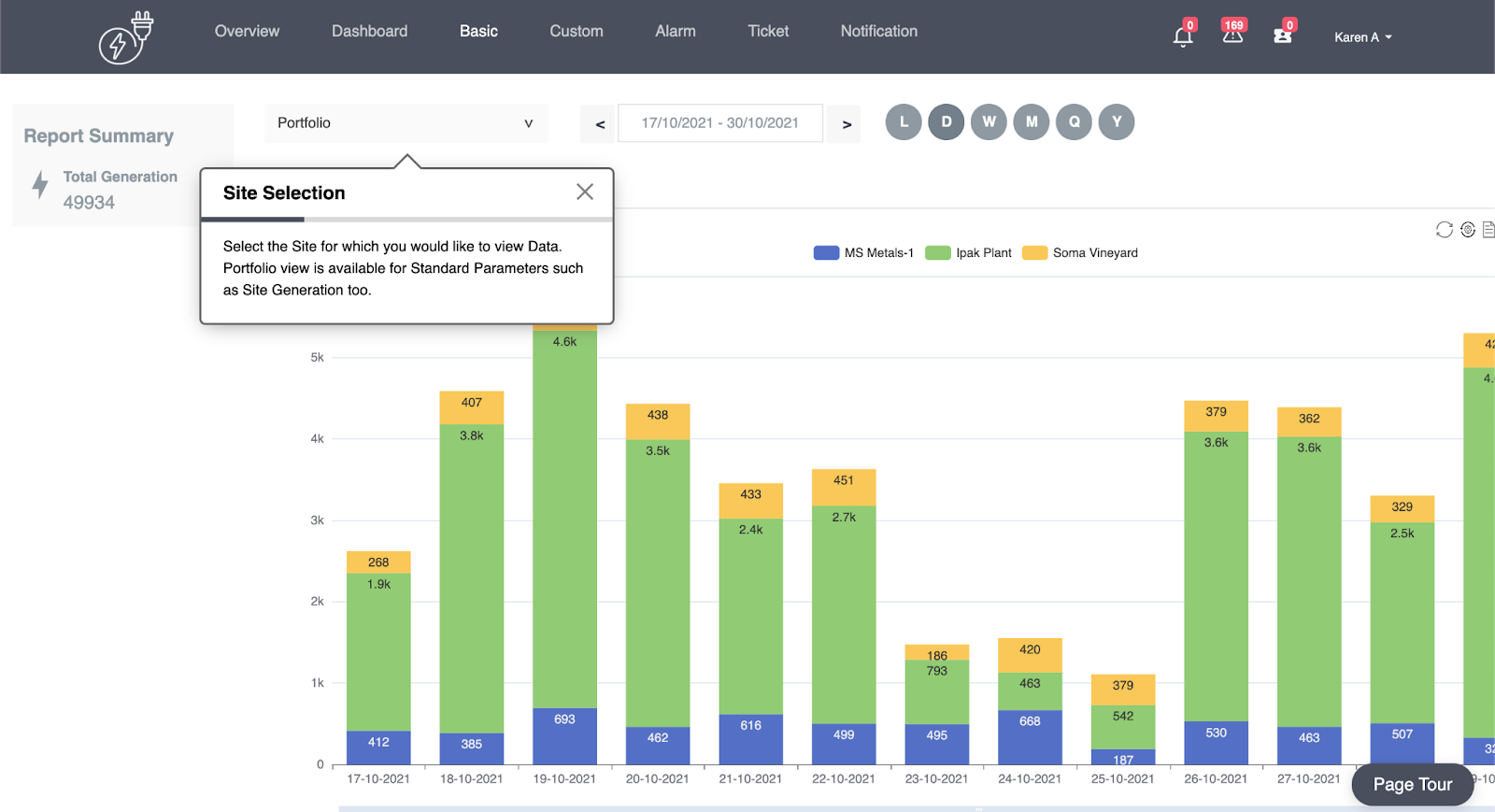

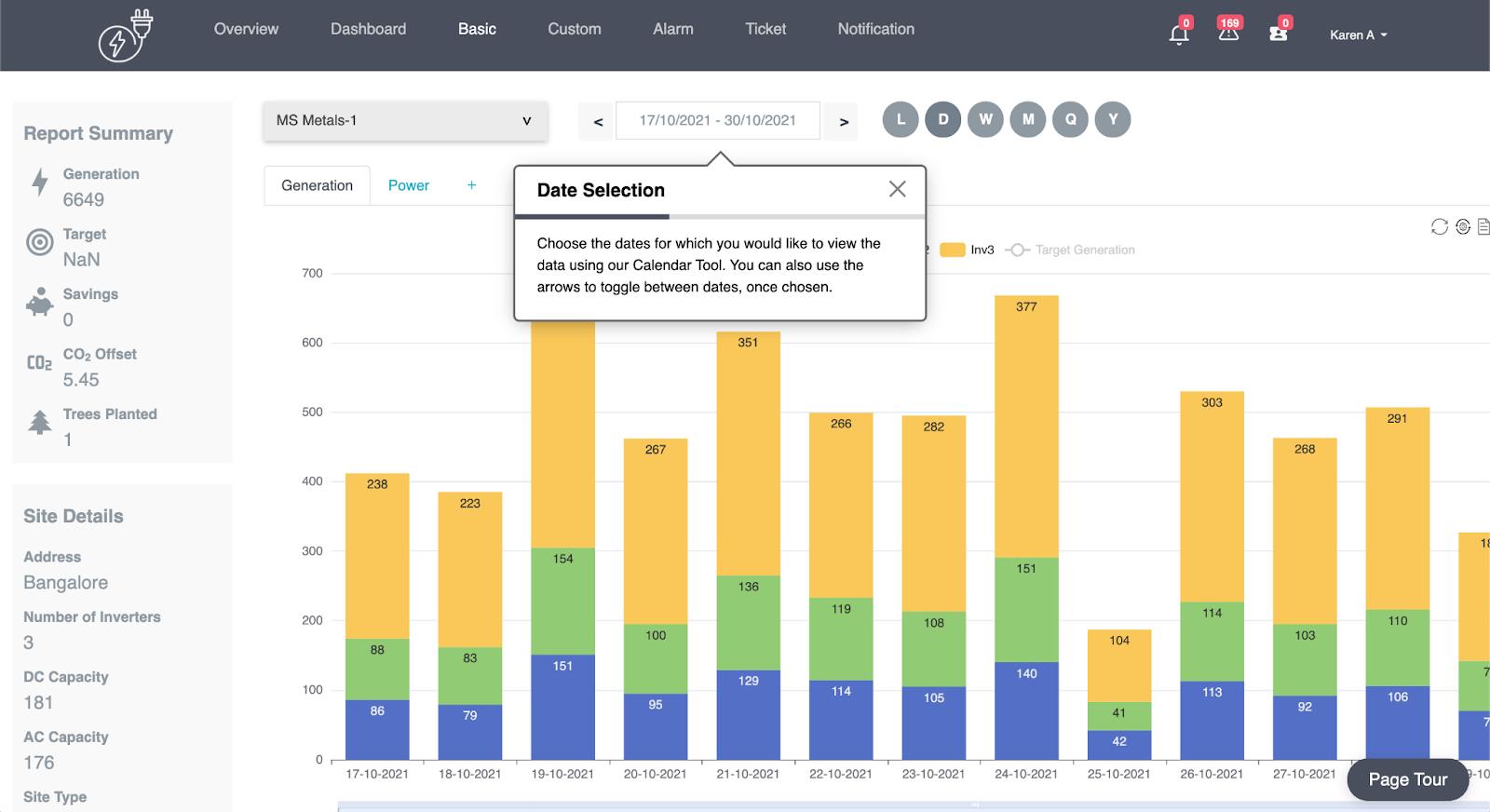
Asset Connect uses the learn-by-doing approach to educating new customers. In some of their tours there are no “next” or “previous'' buttons for users to navigate through tour steps. Instead, users are nudged towards completing actions by themselves, and this way learning the possibilities of the platform.


The Product Tour seamlessly integrates into the user experience. Tour content flexibly adapts as the user progresses into the product, recommending the next steps, but leaving users to explore the platform on their own. With this design principle, guided onboarding feels like an integral part of the product.


Having a great user onboarding experience is crucial to increase feature discovery and user adoption. Even more so in the case of online dashboards, such as Asset Connect.

If you are looking for an efficient way to educate and retain users, onboarding tours and user onboarding checklists are the best choice to help new users in a delightful, easy to implement and measurable way.


Popular posts from this blog

Create product tours with Usetiful

Select Element on Your Page

  To associate tour steps (pointers) with specific elements on your site, you need to hook to the selectors of elements. Selectors are used to "find" the HTML elements on your site. It is not difficult to find out the selector of a specific page element. The easiest way is to use our Chrome extension . Usetiful for Chrome extension (Recommended) 1. We recommend you to first install  the extension  - it enables you to preview product tours directly on your page without embedding the code. When on the page, it allows you to get the element selector on just one click.   2. Inside the tour editor, the " Element"  field require you to enter the selector of the HTML element on your site. Click on the  "Select element"  action on the right side of the field.  The following dialog will appear if the Usetiful browser extension is enabled. 3. Enter the address of your web page and click "Open page" 4. To select the...

Alternatives to Shepherd: Which One Is Right for You?

  Shepherd is a popular open-source tool for building product tours. However, there are better options to meet the demands of modern onboarding. Here are some great alternatives that can help boost user adoption. What is Shepherd? Shepherd is a JavaScript library. It was built to help onboard new users with product walkthroughs. It's a flexible tool that allows you to drop product tours into your app using popular languages like: Angular Ember ES Modules Vue.js  Javascript Shepherd comes with a few default themes, but its primary selling point is that it allows you to customize your tours.  The problems with Shepherd as an onboarding tool We're not here to rip Shepherd. It's a good tool that does what it sets out to do. However, it falls short of a great modern onboarding tool for several reasons. #1. Limited accessibility Shepherd is relatively easy to use if you have good technical knowledge. However, you're out of luck if you don't know how to code. In an era whe...